
QuizWoo
Learning games from LearnSuite
Learning games and practice your child will ask for
More than 340 learning games, practice questions for every topic and practice tests in the PEP format, for Grades 4 to 6. The games build the skills, and the practice makes them stick.
- Free to join
- Games, practice questions and tests
- Grades 4 to 6
- Nothing to download
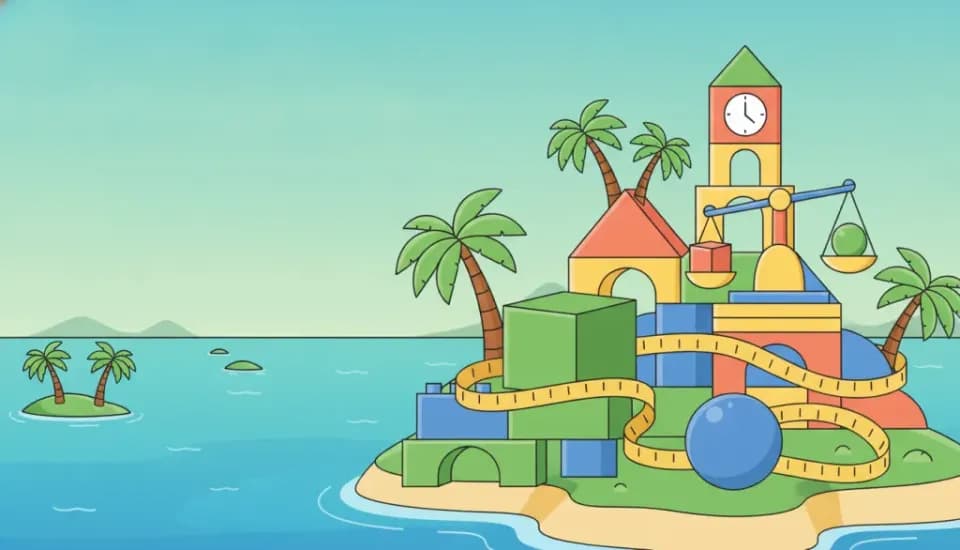
Mathematics
125 games

Language Arts
71 games
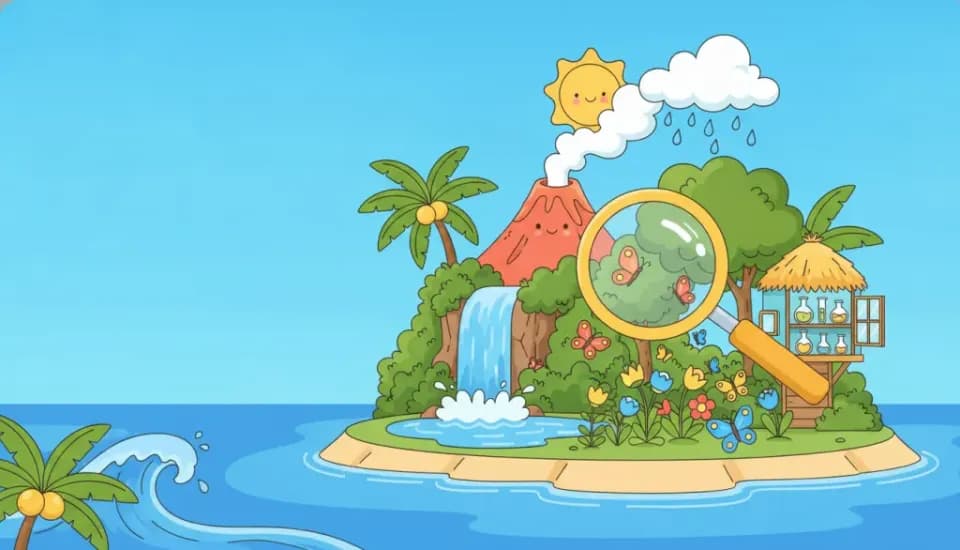
Science
57 games

Social Studies
76 games

Games and practice
Play to learn it, practise to prove it
Games keep your child coming back. Practice questions and PEP-style tests show what they know, and what to work on next.
Try a real question
Grade 4 Mathematics
Making Sorrel Drink
Kevon and his mother are in the kitchen preparing sorrel drink for Grand Market.
Which unit of measurement is MOST appropriate to measure the capacity of one small drinking glass of sorrel?
Practice tests
Full practice tests in the PEP format. Every paper is checked by a person, and every learner sits the same paper, so a retake shows real progress.
Practice questions
Topic-by-topic questions in the Study Hub, in the order the curriculum is taught. Practise one part of a topic, or the whole topic at once.
Printable worksheets
Practice sheets to print by grade, subject and topic, for work away from the screen.



The Arcade
340+ games to explore
Every game has its own painted world, three levels and stars to win. Here are a few of them.

Product Inspector
Grade 4
Patois Bridge
Grade 5
Needs of Life
Grade 4
Rain Shadow
Grade 6
Angle Arena
Grade 5
Sound Detective
Grade 5
Conductor or Insulator
Grade 5
Rivers and Plains
Grade 4
Swap Shop
Grade 5
Mark the Right Mark
Grade 6
Balanced Plate
Grade 6
From Plants
Grade 5

Layer by Layer
Grade 6
Sentence Slicer
Grade 5
Two Plots
Grade 5
Evidence for a Sphere
Grade 4
Shape Safari
Grade 5
Pollution Source Match
Grade 4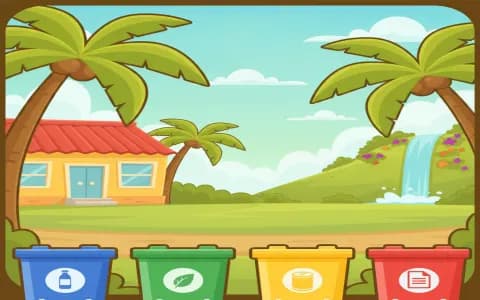
Waste Sorter
Grade 5
River Leap
Grade 5
Balance the Plate
Grade 5
Number Ninja
Grade 5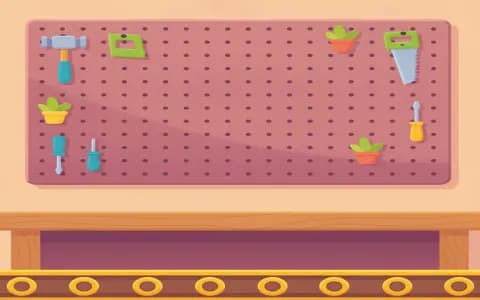
Simple Machine Sorter
Grade 5
Clockworks
Grade 5
What's inside
Practice that feels like play
Games for quick wins, labs for hands-on science and a study path that follows the school year. Everything works in a web browser, on a computer, tablet or phone.
- curriculum games
- 340+
- curriculum games
- subjects
- 4
- subjects
- hands-on science labs
- 4
- hands-on science labs
- grades covered
- 4 to 6
- grades covered
The Arcade
340+ games, built from the curriculum
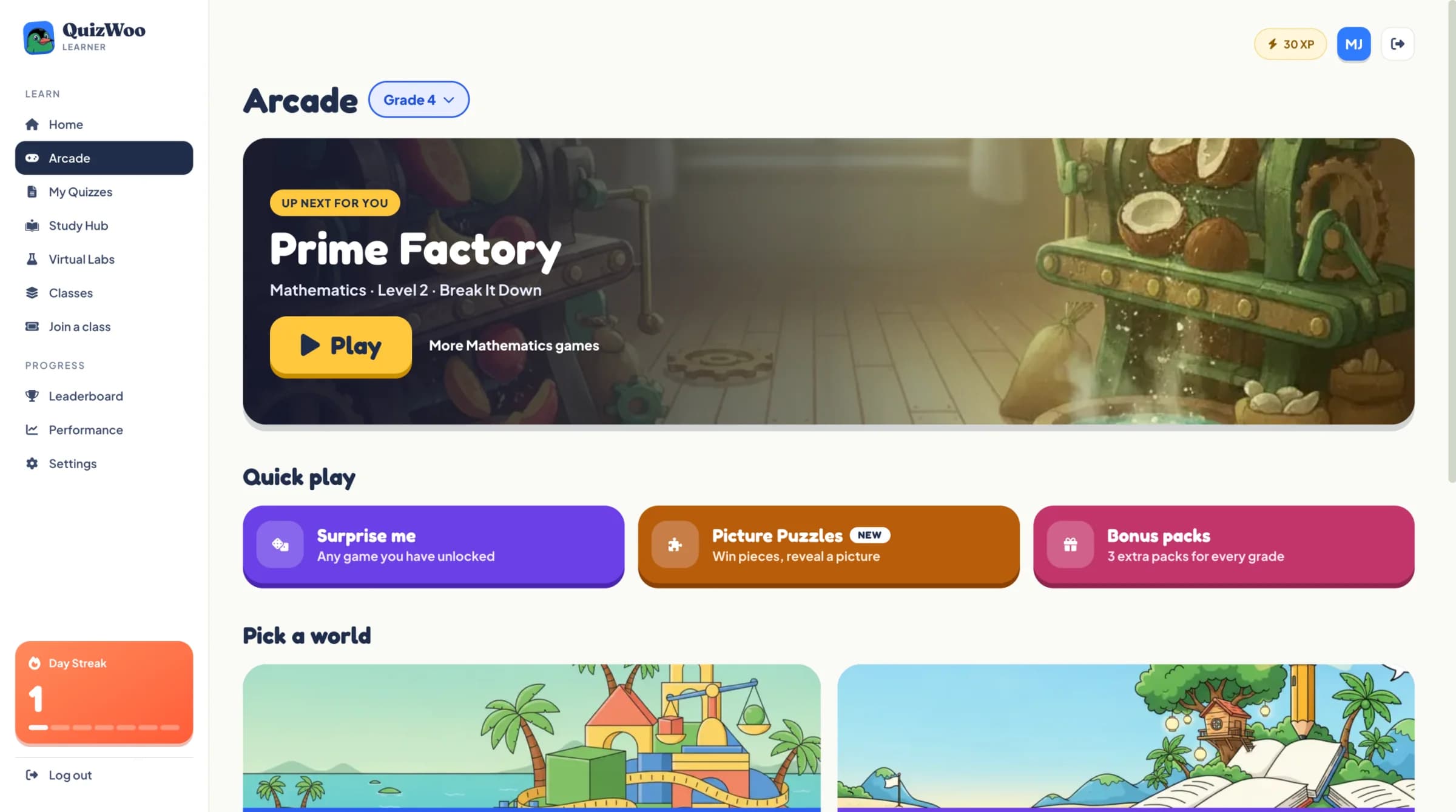
Every game comes from a unit your child studies at school, set in places they know: tuck shops, parish census figures, markets and beaches. Each game has three levels, and winning stars opens the next one.
- Up next picks the right game, so a session starts with one tap
- A hint when they are stuck, and a short explanation after each answer
- Surprise me, Picture Puzzles and bonus packs for extra practice
Virtual labs
Science they can get their hands on
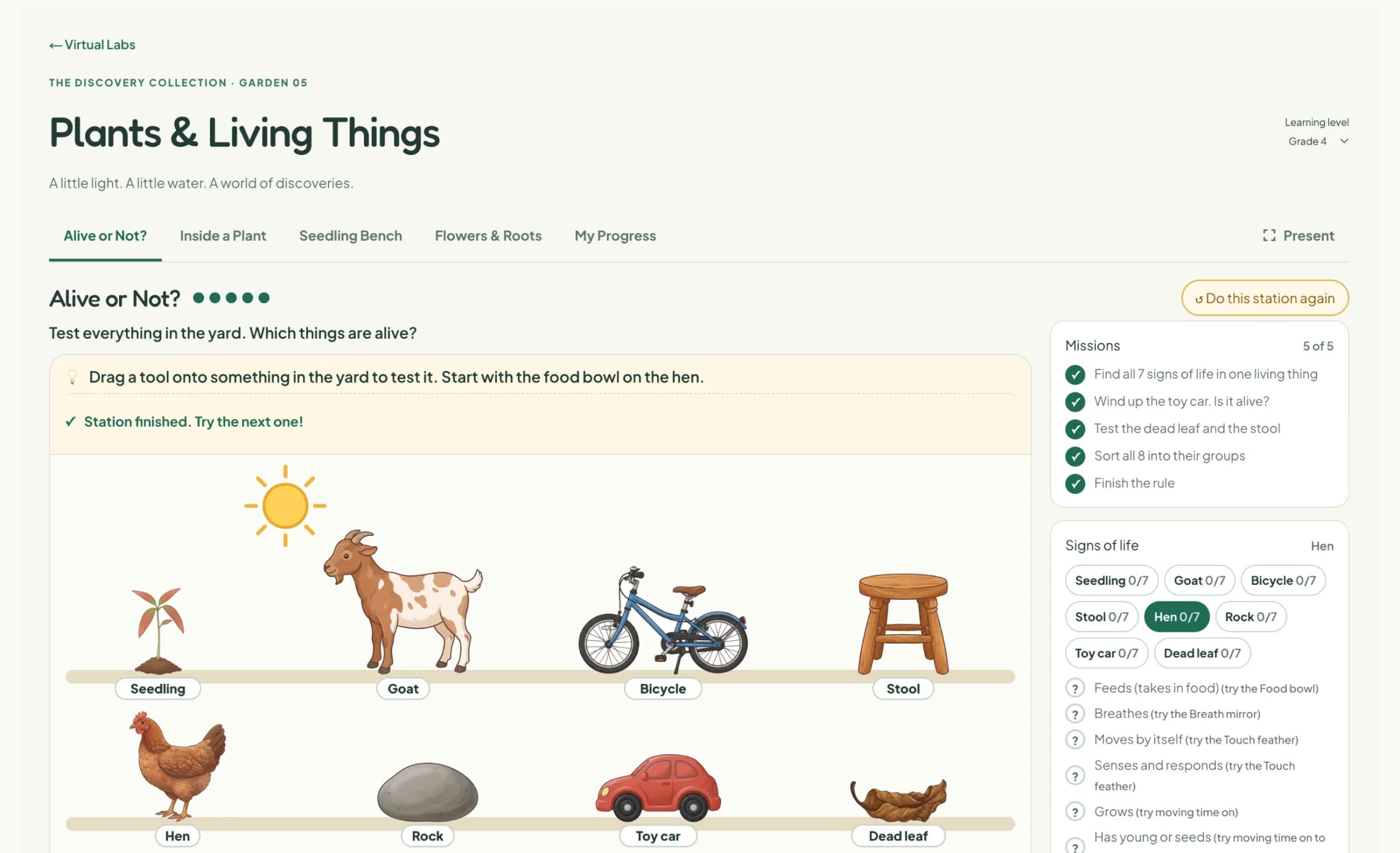
In the labs your child drags, pours, pulls and tests things, and every action explains the science behind it. Short check questions make sure the idea has landed before they move on.
- Plants & Living Things (Grades 4 to 6)
- Solar System & Earth (Grades 4 to 6)
- Forces & Machines (Grade 5)
- Light & Optics (Grade 6)
Study Hub
A path through every topic
The Study Hub lays out each subject topic by topic, in the order it is taught. Younger children follow a playful path with a guide for every strand, and older children get a tidy list they can work through.
- Number
- Measurement
- Writing
- Reading
- Living things
- Working like a scientist
- Geometry
- Our heritage





Read to me
Help for children still building their reading
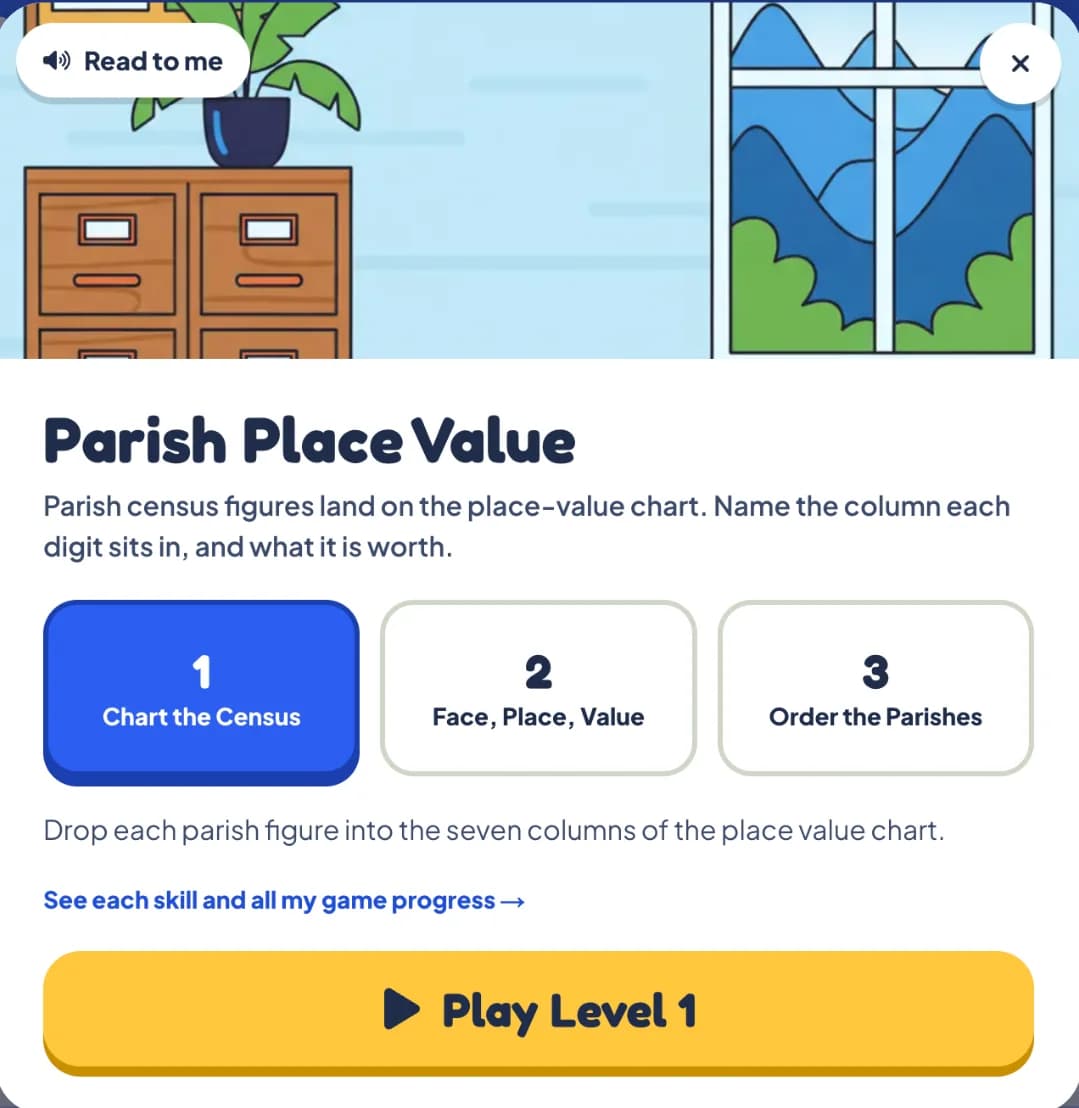
Tap Read to me and the instructions are read aloud. A child who is still gaining confidence with reading can get on with the maths, science and social studies.
Inside the games
Set in places your child knows
Real screens from the games. Every round asks a question from the curriculum, in a Caribbean setting that feels familiar.
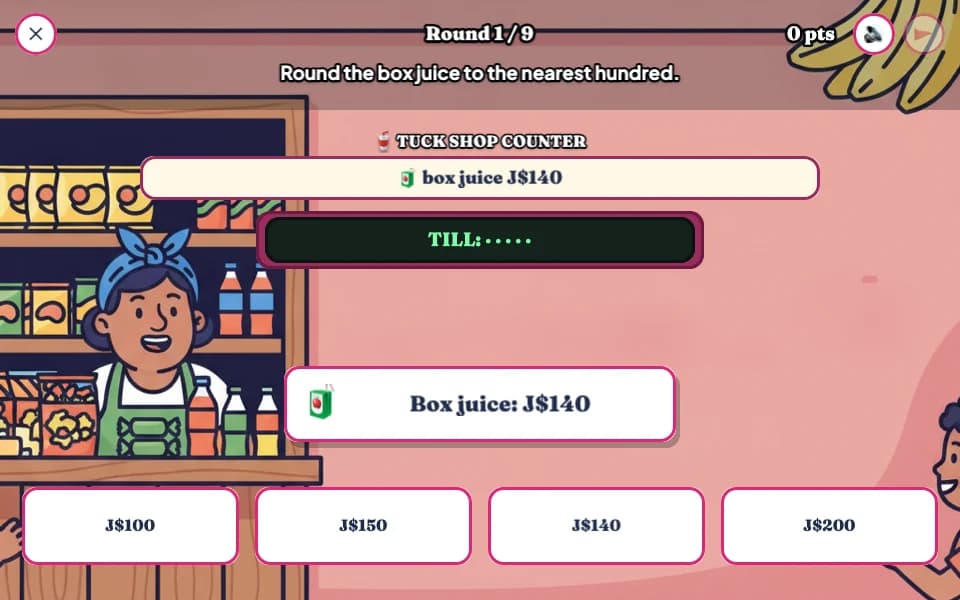
Tuck Shop Estimator
Grade 4 Mathematics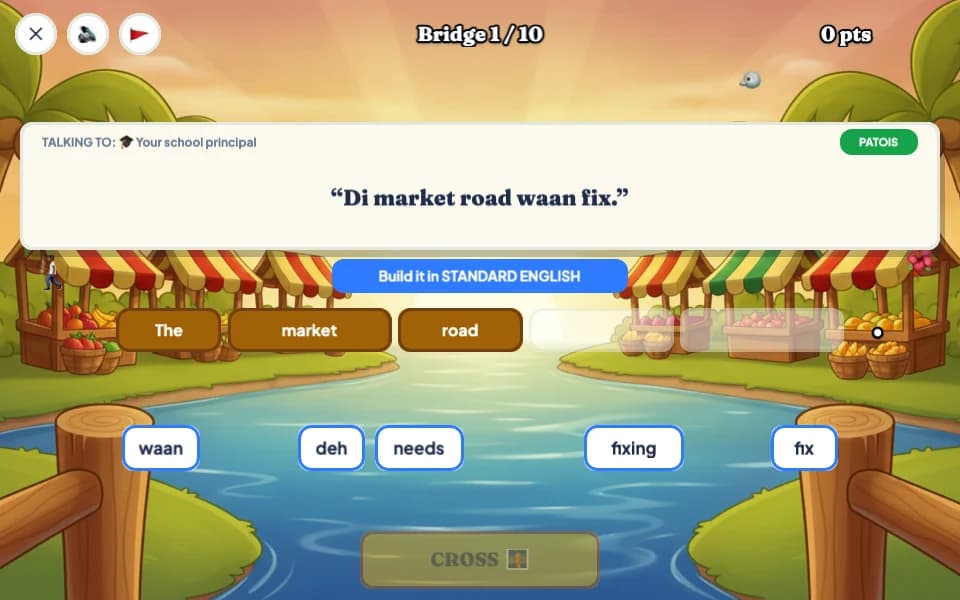
Patois Bridge
Grade 5 Language Arts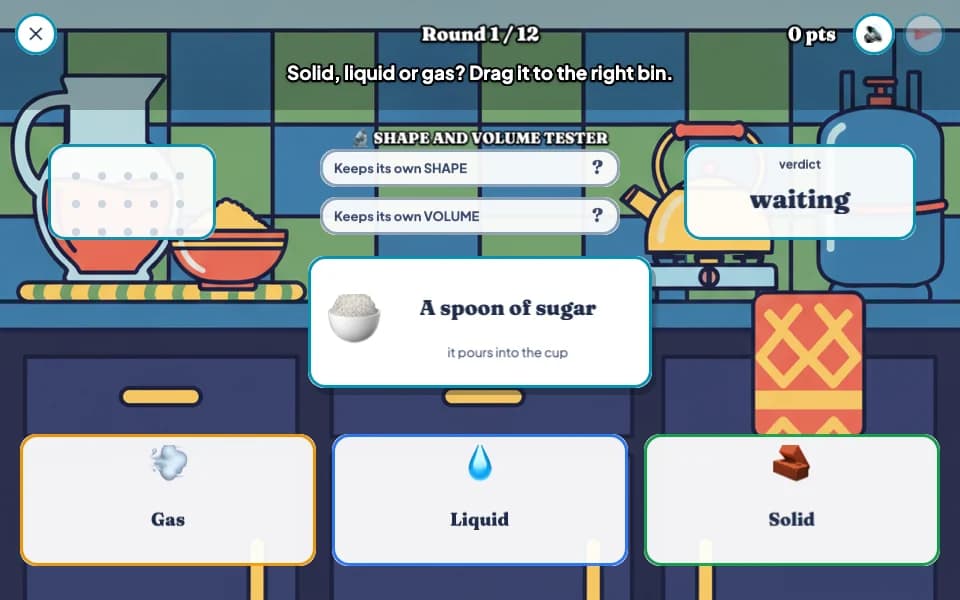
Solid, Liquid, Gas
Grade 4 Science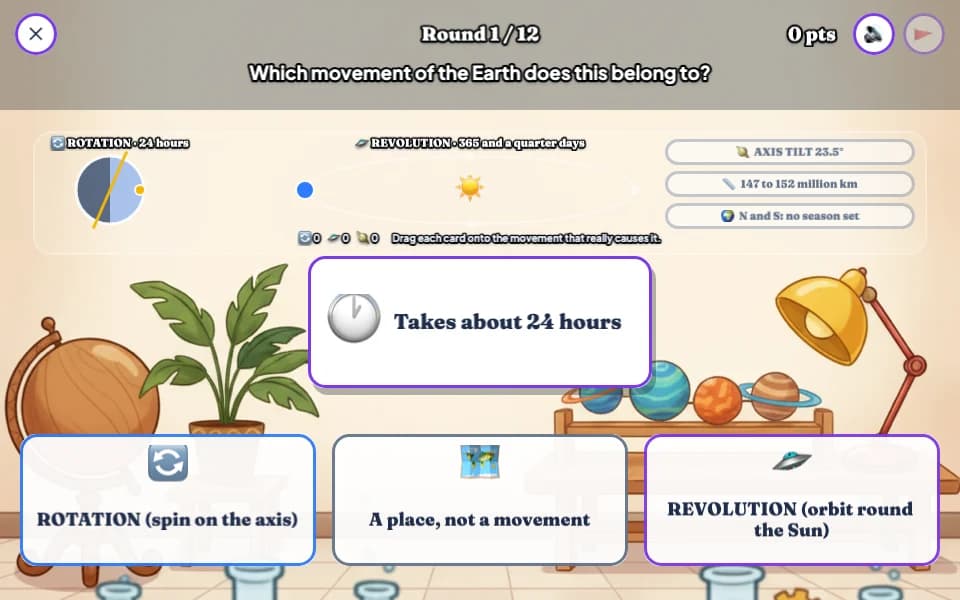
Spin or Orbit
Grade 6 Social Studies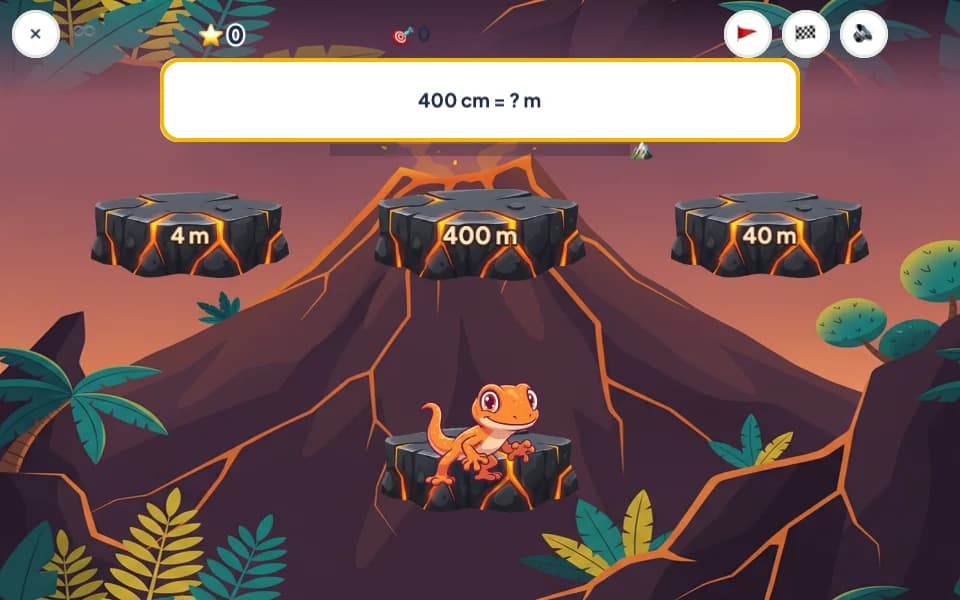
Lava Leap
Grade 5 Mathematics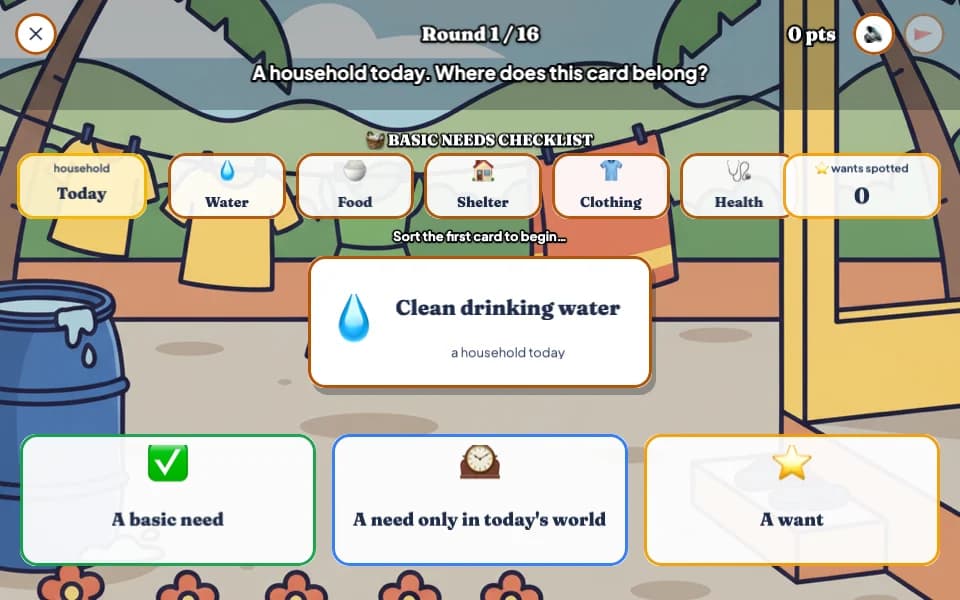
Needs or Wants
Grade 4 Social Studies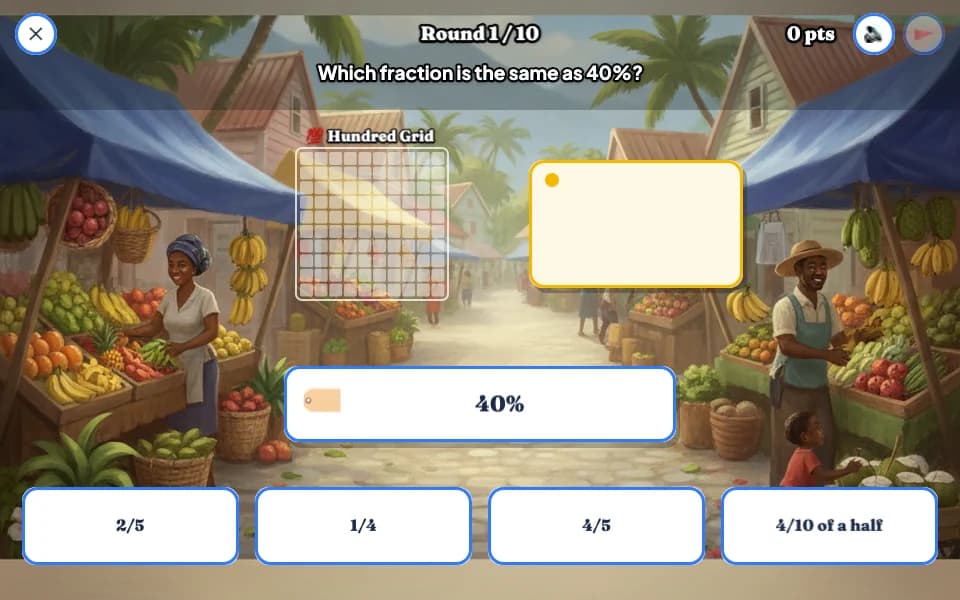
Market Percent
Grade 6 Mathematics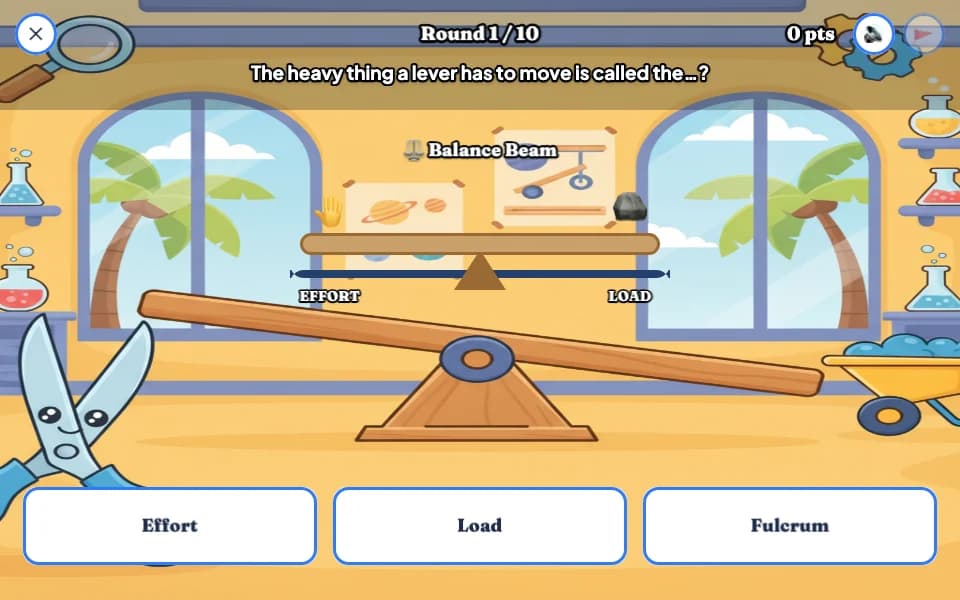
Lever Lab
Grade 5 Science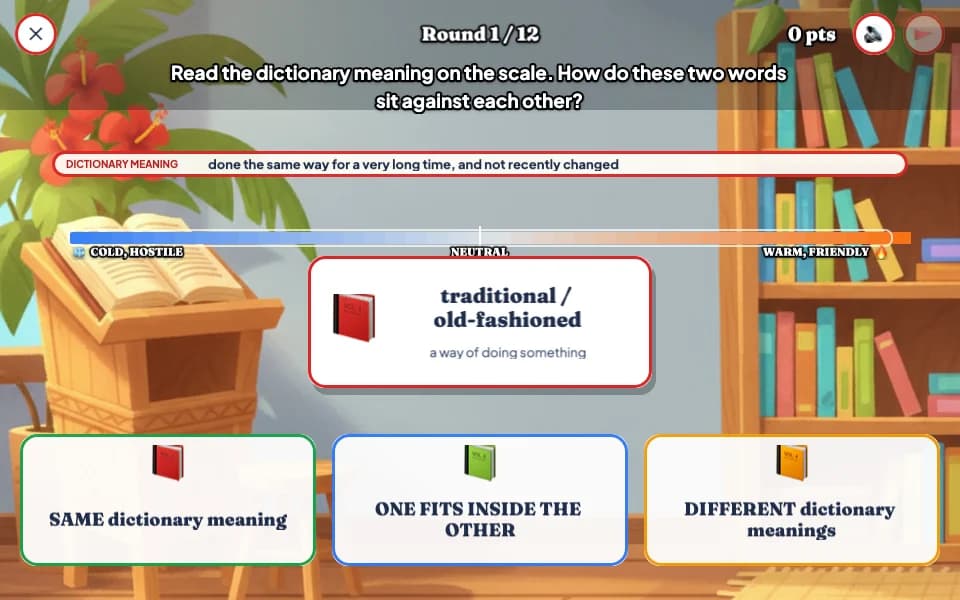
Connotation Scale
Grade 6 Language Arts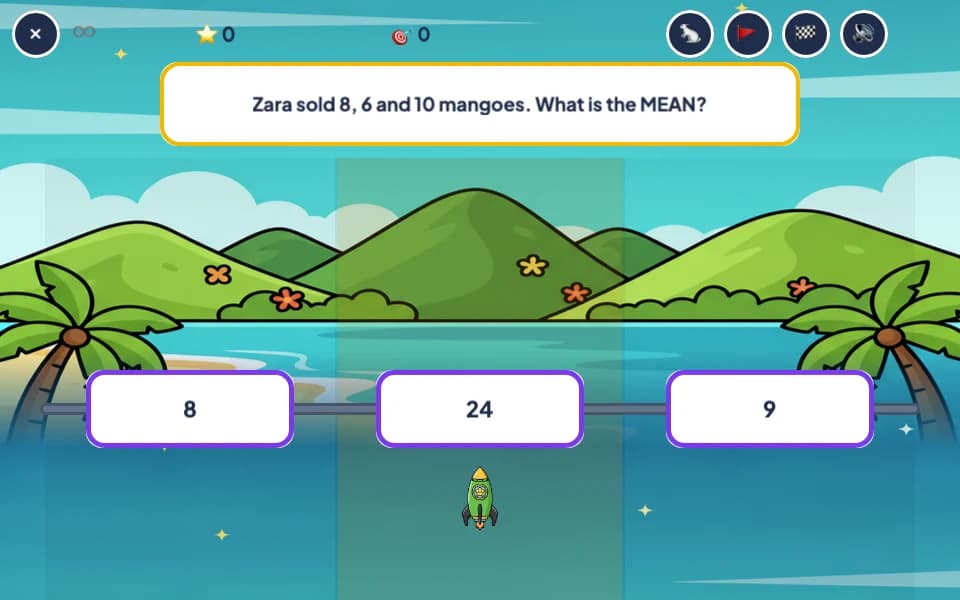
Rocket Rally
Grade 5 Mathematics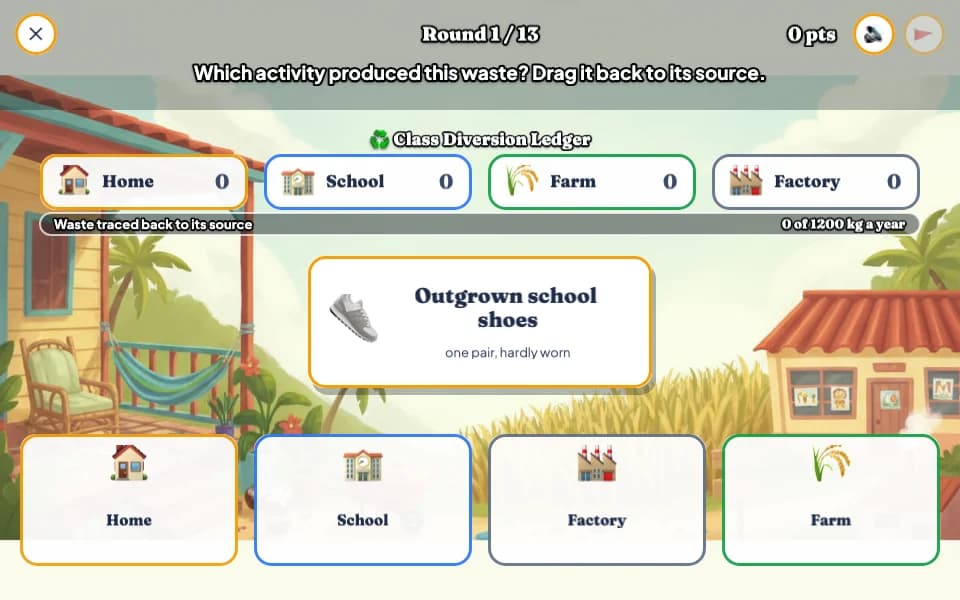
Waste Stream Sort
Grade 6 Science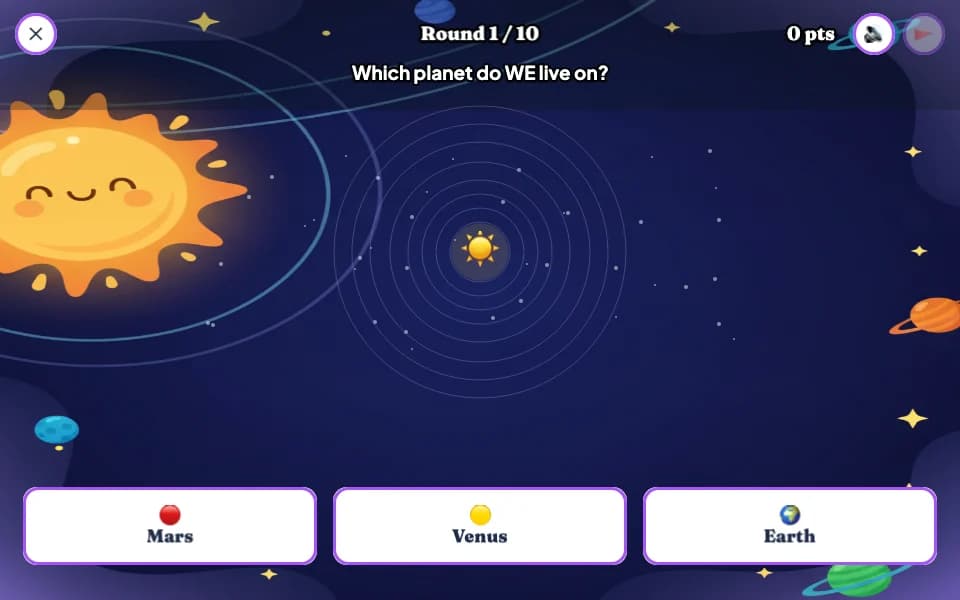
Solar System Builder
Grade 5 Social Studies
Coming back tomorrow
Little and often, with a reason to return
Short sessions every day do more than one long one on a Sunday. QuizWoo is built around that.
Daily goal and streak
A small daily goal and a day streak keep practice short and regular.
Stars for every level
Children earn stars for each level, and the next level opens when they do.
Friendly leaderboards
Class, school and all-schools boards. On the all-schools board, children appear under a made-up name such as BraveMango42, never their real name.

Five minutes today beats an hour next week!
Getting started at home
Up and playing in three steps
- 1
Create a free account
Use an email address or Google. It takes about a minute and needs no card details.
- 2
Pick a grade and subjects
Choose "I'm a student", then your child's grade and the subjects they want to practise.
- 3
Press Play
QuizWoo picks the next game for your child, so each session starts with one tap.
Students at a LearnSuite school can sign in with their school login.
Questions people ask
Is QuizWoo free?
Yes. QuizWoo is free to join right now, with no card details and no trial period. Create an account, choose your child's grade, and they can start playing straight away.
Which grades and subjects does QuizWoo cover?
Right now QuizWoo covers Grades 4, 5 and 6 in Mathematics, Language Arts, Science and Social Studies, built from the primary curriculum that the Primary Exit Profile (PEP) assesses. Earlier primary grades are on the way, and so is high school, including practice for CXC exams.
How does my child get started?
Create a free account with an email address or Google, choose "I'm a student", then pick a grade and subjects. QuizWoo then suggests the next game to play, so there is no setup beyond that.
Does it need an app or a download?
No. QuizWoo runs in the web browser on a computer, laptop, tablet or phone. There is nothing to install.
Is my child's name shown to other children?
Not outside their own class or school. On the leaderboard for all schools, every child appears under a made-up name such as BraveMango42, which they pick from suggestions rather than type. Real names only appear on boards for their own class and school.
Can my child's teacher see their progress?
Yes, if the teacher adds your child to a QuizWoo class. Teachers can then assign games and see stars, scores and which skills need more practice. A child who plays at home on their own account keeps all of their progress either way.
My child's school uses LearnSuite. Do they need a new account?
No. Students whose school uses LearnSuite can sign in to QuizWoo with their school login, and their teacher can add them to a class without any codes.
Give your child a head start, for free
Create an account, pick a grade, and the first game is one tap away.